
For a quick table-width estimate, start with Apple Measure or AR Ruler. To draw a floor plan from measurements you already have, try Floor Plan Creator on Android or CamPlan on iPhone. For automatic floor plan capture on a supported iPhone with LiDAR, consider magicplan, Polycam or CamPlan. If you own a Bluetooth laser distance meter, start with its exact model number before choosing an app.
The list is organised by task. We checked the U.S. App Store and Google Play listings and the developers’ documentation on November 22, 2026. The screenshots come from those listings. Installation, features and pricing can vary with the device and the account. This is a documentation-based comparison, with no hands-on accuracy ranking.
How to pick in 30 seconds
| What you need | Start with | What you get |
|---|---|---|
| One approximate measurement | Apple Measure or AR Ruler | The distance between two points |
| A floor plan without LiDAR | Floor Plan Creator, CamPlan or manual entry in magicplan | A plan built around your own measurements |
| Automatic iPhone floor plan capture | magicplan Auto-Scan, Polycam Floorplan Mode or CamPlan | A model of walls and openings to verify |
| A 3D record of a space | Scaniverse | A spatial view for visual documentation |
| Measurements on a photo | ImageMeter | An annotated image with dimensions |
| Readings from a Bluetooth laser meter | Leica DISTO Plan, Bosch MeasureOn or a compatible magicplan workflow | Instrument readings linked to a plan or image |
1–2. Take a quick measurement with your camera
1. Apple Measure — approximate dimensions on iPhone
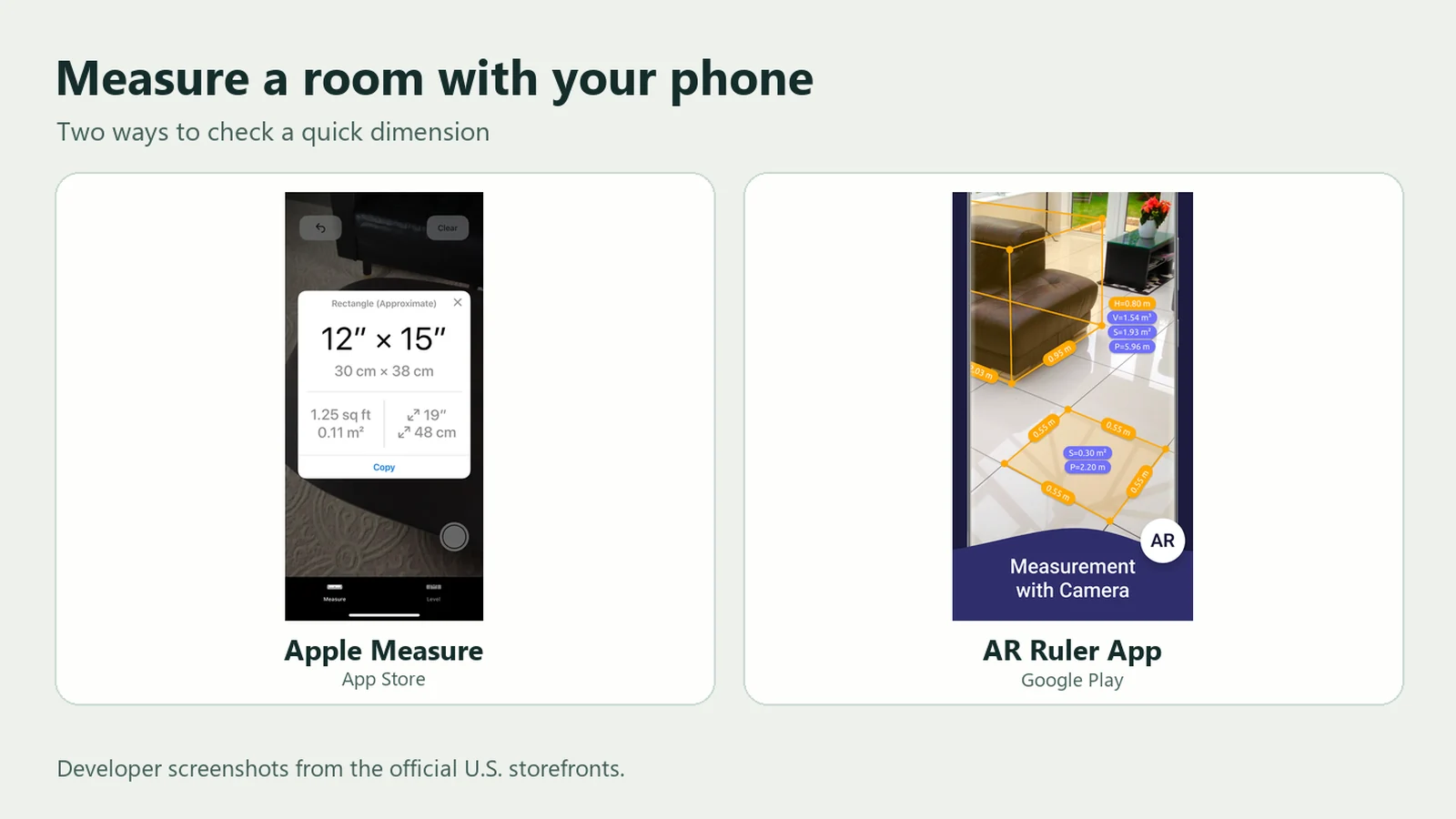
Open Measure and mark two edges with the camera. It can help estimate the width of a table or the height of a low shelf. Apple also describes automatic detection for rectangular objects on compatible devices. The available onscreen guidance varies by model, and Apple describes the results as approximate. Use a tape before buying furniture that needs to fit tightly. U.S. App Store, Apple user guide.
2. AR Ruler App — a camera-based ruler on Android
Grymala’s app places measurement points in the scene. Try one wall segment and compare it with a tape reading. Check the ARCore device list and the Google Play listing for ads and in-app purchases. Confirm that your plan covers the saving and export features you intend to use. U.S. Google Play, ARCore compatibility.
3–5. Turn room measurements into a floor plan
3. magicplan — LiDAR capture on iOS and manual plans on Android
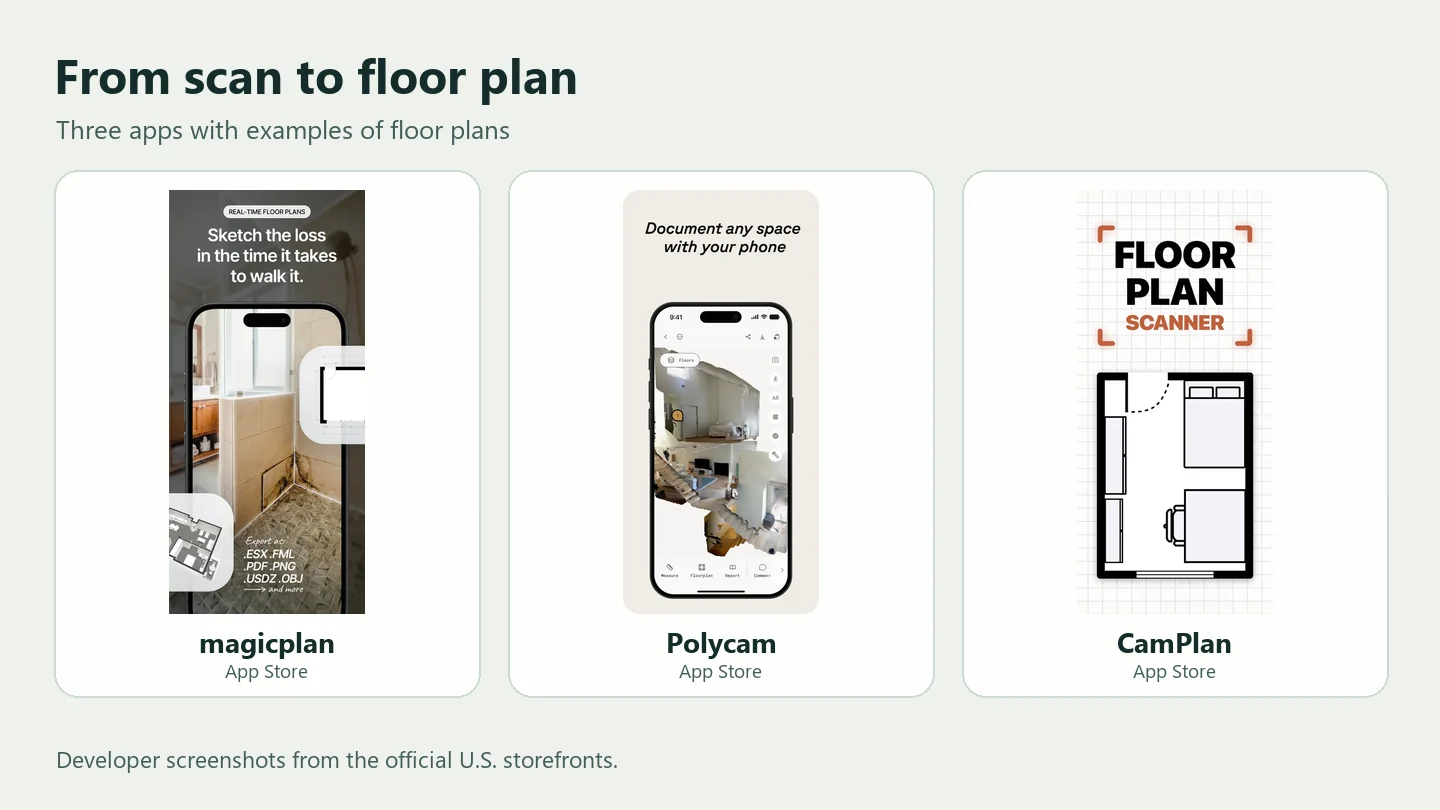
On a supported iPhone or iPad, Auto-Scan uses LiDAR and RoomPlan. The current Android instructions describe drawing rooms from corners, using templates or tracing an imported image. If you need to send a contractor a dimensioned PDF, check which reports your plan includes. The app also supports compatible Bluetooth laser distance meters. U.S. App Store, U.S. Google Play, iOS Auto-Scan, Android floor plans.
4. Polycam — LiDAR floor plans and 3D capture
Polycam’s Floorplan Mode requires a compatible LiDAR iPhone or iPad. The Android app uses a different set of capture modes. Its documentation lists GLTF as a free 3D export, with PDF and DXF floor plans on professional tiers. The dedicated Floorplan Editor is listed for Business and Enterprise. Check all three things before you capture: the floor plan mode, editing rights and the export format you need. U.S. App Store, U.S. Google Play, capture mode, formats, floor plan editor.
5. CamPlan — room layouts from a scan or manual dimensions
Use LiDAR on a supported device or choose Draw It and enter the lengths yourself. The manual option is useful when you have measured the room already or need to correct a side. Decide whether you need an image, a PDF report or a CAD file before subscribing. CamPlan documents DWG, DXF and IFC export for Pro and Business. U.S. App Store, draw a room by size, CAD export.
6–7. Make a manual plan or a visual 3D record
6. Floor Plan Creator — a manual Android floor planner
Enter your wall lengths, add the doors and windows, then lock the dimensions you need to preserve. The app calculates floor and wall areas from the dimensions you enter. This is a practical option without LiDAR. Google Play lists image, PDF, DXF, SVG and CSV exports and printing to scale as paid features. U.S. Google Play, developer pricing.
7. Scaniverse — capture what a single photo misses
Try it for a stairwell, a recess or a room that is hard to document in one view. Niantic describes 3D capture, mesh and Gaussian splat workflows. Some workflows involve cloud processing. If a contractor needs an editable 2D drawing, confirm what the selected mode actually exports. For private interiors, check how the scan will be processed and shared. U.S. App Store, U.S. Google Play, Niantic quickstart.

8–10. Mark up photos and work with a laser meter
8. ImageMeter — put dimensions directly on a photo
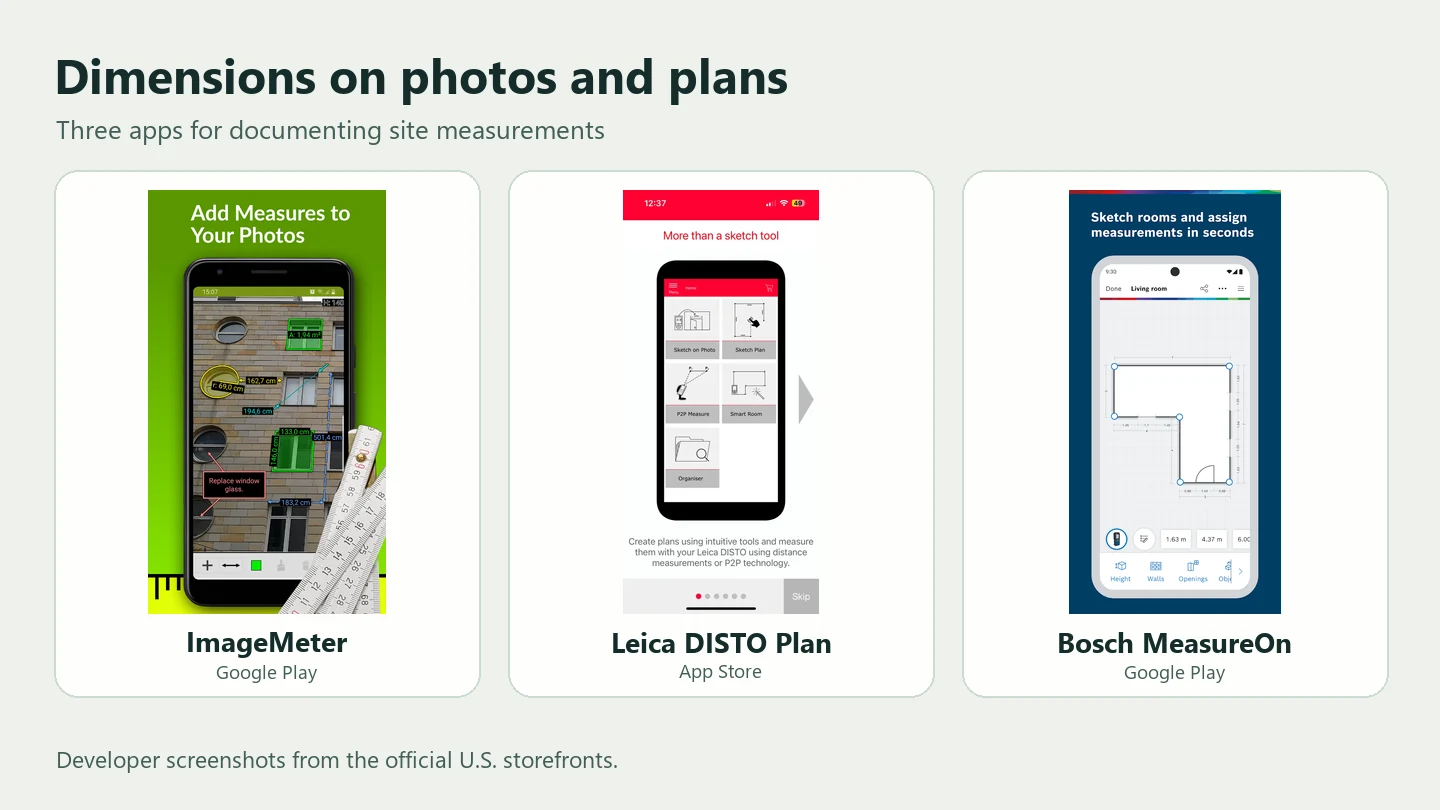
Enter tape readings or calibrate a photograph using a rectangle with known dimensions. For measurements across a wall, the reference and the parts being measured should be in the same plane. An object closer to the camera needs its own reference. The iOS listing describes a limit on free measurements and a watermark on exported images. It lists perspective length measurement under Pro. Check the Android plan separately. U.S. App Store, U.S. Google Play, calibration guide.
9. Leica DISTO Plan — for compatible DISTO meters
Assign a laser meter reading to an edge on a sketch or a photo. Check Leica’s compatibility table for your meter and the features you need. Sketch Plan, Smart Room and Measure Plan have different requirements. Leica lists basic JPG and PDF on the free plan and DXF/DWG and Point-to-Point functions on the paid plan. Some modes also need a particular meter or accessory. U.S. App Store, U.S. Google Play, Leica compatibility and export.
10. Bosch MeasureOn — for compatible Bosch GLM meters
Use it to organise measurements, plans, photos and site notes. A compatible Bosch GLM can send a reading directly, which saves retyping. Check the exact model number, then use the North American store listing. Review cloud and export options separately before paying, especially if you need to share a document outside the app. U.S. App Store, U.S. Google Play, Bosch guidance.
Test one room before paying for an app
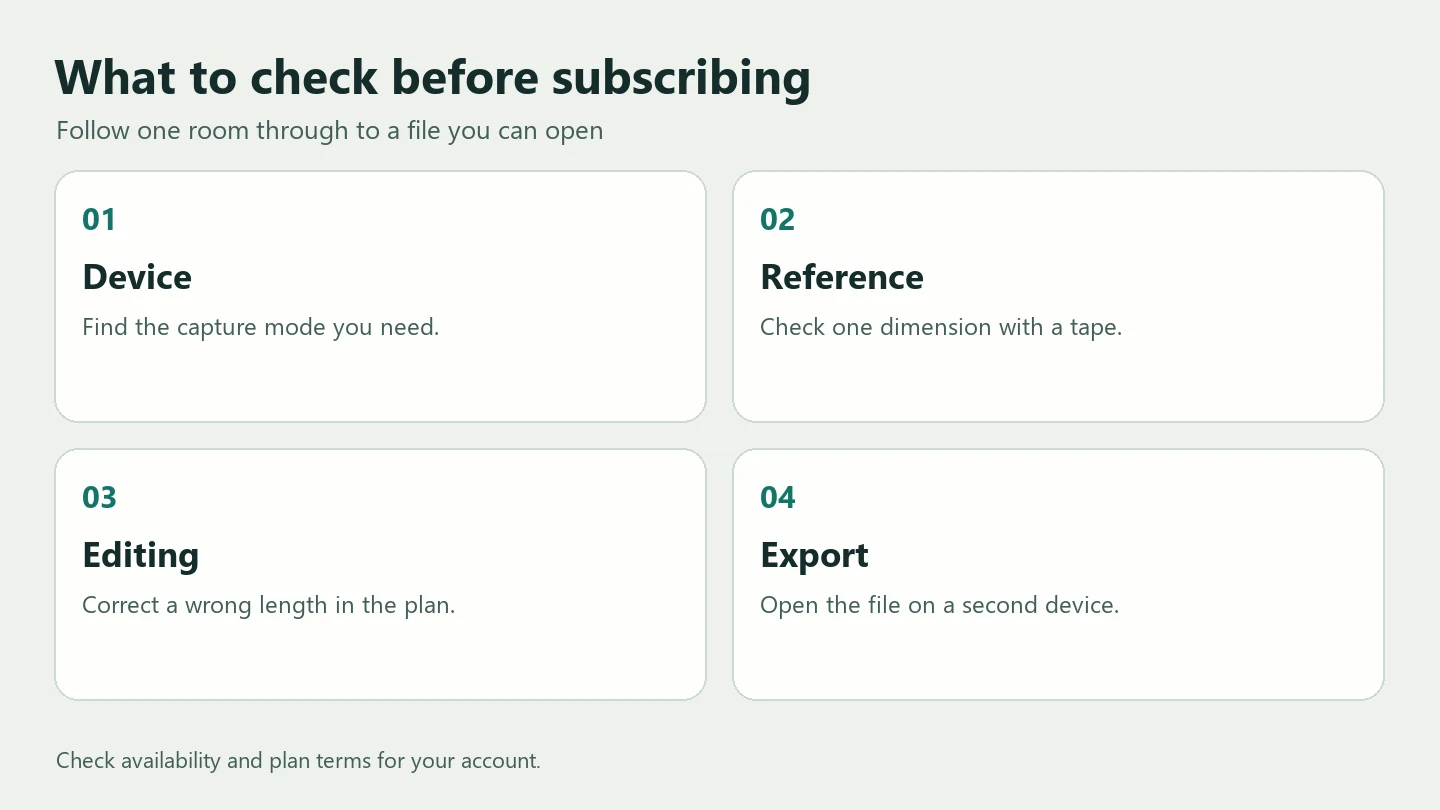
- Measure a wall, doorway and alcove between marked points. For fitted cabinets, check the alcove at the bottom, middle and top.
- Scan the room or enter the readings. Check that the doorway appears and that you can correct a wall length. Save the original and corrected versions.
- Export the file and open it on another device. In a PDF, check dimensions and print scale. In a DXF, verify the units with one known segment. If you entered feet and inches, confirm they match the units your contractor expects.
- Check the whole cost. A free download can allow capture while a subscription is required to edit or send a specific document.
For a three-scan log, a worked error calculation and a separate mirror check, see Tape Measure vs LiDAR.
Frequently asked questions
Which app works without LiDAR?
If you have measured lengths, start with Floor Plan Creator, CamPlan’s drawing mode or manual entry in magicplan on a supported device. For camera estimates, check the app’s specific AR requirements.
Can I send a 3D scan to a cabinet maker?
Ask what they need: a dimensioned plan, annotated photos or a CAD file. Confirm the critical cabinet and doorway dimensions on site before fabrication.
Why can I see the listing but not install it?
A public listing may be visible even when your device, OS version or account region prevents installation. Check the store on the phone you will use for the job.
Related articles
Tape Measure vs LiDAR: How Far Off Is a Phone Room Scan?
How far off is a phone LiDAR room scan? Compare published dimensions, repeat a three-scan accuracy check and run a separate mirror test.
A Sofa, Bed and Desk in 6 m²? Eight Traps in AI Architectural Renders
A room that looks bigger and a window floating inside a pane. Explore eight AI rendering mistakes, real designers’ examples and checks before you build.
Which Architecture Tasks Can You Delegate to AI Today?
What can architects delegate to AI? Compare briefs, design sketches and drawing review, then follow a BIM clash from detection to specialist review.